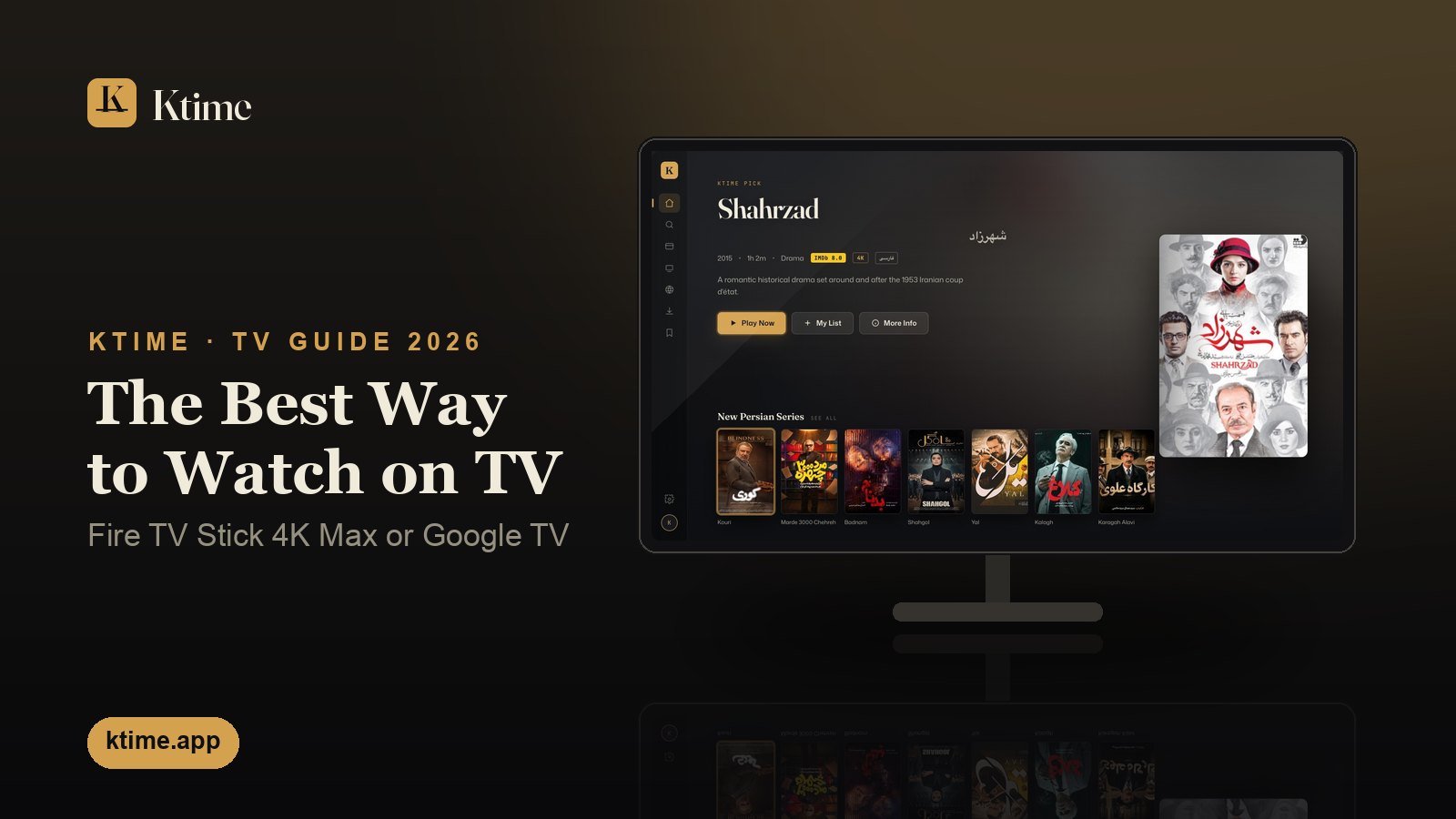
The short answer: Get a Fire TV Stick 4K Max (or a Fire TV Stick 4K Plus while stores still have it). On the Fire TV, install the free Downloader app, enter the code
2042237, and sign in to Ktime by scanning the QR code with your phone. About three minutes, and nothing to type with the remote.
Ktime works on almost every TV — Samsung, LG, Roku, Apple TV, Android TV and Fire TV — and every route is included in your subscription. But they are not equal. The Ktime app on an Android-based TV device (Fire TV, Google TV, Android TV) gets new titles first, plays the original video file, and searches in Persian letters. Every other route waits a little longer for new titles and plays a converted stream. If you are buying a device for Ktime, buy the one that gets the best of it.
What is the best way to watch Ktime on a TV?
The best way to watch Ktime on a TV is the Ktime app on an Android-based Fire TV or Google TV device. Here is how every TV route compares, as of November 2026:
| TV route | New titles | Plays the original file | Search in Persian letters | Setup |
|---|---|---|---|---|
| Ktime app on Fire TV (Stick 4K Max, 4K Plus, Cube, Fire TV built-in TVs) | As soon as they arrive | Yes | Yes — Persian on-screen keyboard; voice search on remotes with a mic | About 3 minutes: Downloader, code 2042237, QR sign-in |
| Ktime app on Android TV / Google TV (Sony, TCL, Hisense Google TV, Nvidia Shield, Google TV streamers) | As soon as they arrive | Yes | Yes — the same app | About 3 minutes: TV browser → ktime.app/a, or Downloader |
| Ktime app on Roku | Usually a few hours later, sometimes up to two days | No — a converted stream | English letters only | About 2 minutes: add it from the Roku Channel Store, sign in |
| Samsung, LG or Hisense VIDAA with Media Station X | Usually a few hours later, sometimes up to two days | No — a converted stream | English letters only | About 5 minutes: install Media Station X, type your personal address once |
| Apple TV with AirPlay | Usually a few hours later, sometimes up to two days | No — a converted stream | Yes, on the phone you AirPlay from | Nothing to install; AirPlay from your iPhone or iPad each time |
“Plays the original file” means the Ktime app on Android plays the video exactly as it was released, at its full picture quality, with its own audio tracks and subtitles to choose from in the player. The other routes receive a stream converted for that device, which is also why a new title reaches them a little later.
Which Fire TV works with Ktime?
Not every Fire TV can install Ktime. In 2025 Amazon began moving its Fire TV Sticks from Fire OS, which is built on Android, to its own Vega OS, which is not. Vega OS only installs apps from Amazon’s own store: the Downloader app and the Ktime app cannot go on it, and no setting changes that (Cord Busters, Pocket-lint).
Which Fire TV works (as of November 2026)
✅ Works (Fire OS = Android): Fire TV Stick 4K Max · Fire TV Stick 4K Plus (being phased out — buy it while stores still have it) · the 2023 Fire TV Stick 4K (2nd gen) · Fire TV Cube · TVs with Fire TV built in
❌ Won’t work (Vega OS — no apps from outside Amazon’s store): Fire TV Stick HD (2026) · Fire TV Stick 4K Select · the Fire TV Stick 4K released in late 2026 (USB-C power only, no “Plus” or “Max” in the name)
Amazon says every future Fire TV Stick will run Vega OS (AFTVnews). Before you buy, check that the box says 4K Max (or 4K Plus).
The naming is the trap: a box that says only “Fire TV Stick 4K” and was bought new from October 2026 on is a Vega device, while the older Fire TV Stick 4K (2nd gen) from 2023 is the same Android stick Amazon later renamed the 4K Plus. When in doubt, the 4K Max is the safe choice.
How do I set up Ktime on a Fire TV Stick 4K Max?
Setting up Ktime on a Fire TV Stick 4K Max takes about three minutes:
- On the Fire TV, open the Amazon Appstore, search for Downloader and install it (it is free).
- Open Downloader and enter the code
2042237. The Ktime app downloads. - Confirm the install when the Fire TV asks. If it asks you to allow apps from Downloader first, turn that on and go back.
- Open Ktime and sign in by scanning the QR code on the screen with your phone — no password to type with the remote.
The same steps work on a Fire TV Stick 4K Plus, a Fire TV Cube and a TV with Fire TV built in. Our Fire TV and Firestick guide has the full walkthrough, including the IPTV-app alternative. New to Ktime? Create your account first.
My Fire TV can’t find Downloader or install unknown apps — what now?
If your Fire TV can’t find the Downloader app, or has no setting to allow apps from outside Amazon’s store, it is almost certainly one of the Vega OS models: the Fire TV Stick HD, the Fire TV Stick 4K Select or the late-2026 Fire TV Stick 4K. There is no workaround on these devices. If you can still return it, swap it for a Fire TV Stick 4K Max. If not, it can go to another room, and Ktime can go on a Google TV / Android TV device — or on your TV itself, using the guides below.
What if Amazon doesn’t sell Fire TV where I live?
If Amazon doesn’t sell Fire TV where you live — inside Iran or Afghanistan, for example — use any Google TV or Android TV device instead: a TV with Google TV built in, a Google TV streamer, an Nvidia Shield or another Android TV box. It runs the same Ktime app, with the same new titles first, the original file and Persian search. Open the TV’s web browser and go to ktime.app/a, or use Downloader with the code 2042237. Our Android TV and Google TV guide walks through it.
I already have a Samsung, LG, Roku or Apple TV — is that fine?
Yes — Ktime works on the TV you already have, and you do not need to buy anything. Each has its own guide:
- Samsung — Ktime on a Samsung Smart TV, with Media Station X
- LG, Hisense and Apple TV — the LG, Hisense and Apple TV section of our TV guide: Media Station X on LG and Hisense VIDAA, the Ktime app on Hisense Google TV, AirPlay on Apple TV
- Roku — Ktime in the Roku Channel Store: add the app and sign in
The difference is the one in the table: those routes get new titles a little later and play a converted stream, and on Samsung, LG and Roku the TV searches in English letters only. If that matters to you, a Fire TV Stick 4K Max plugged into the same TV’s HDMI port gives it the full Ktime app. Every device on one page: watch Ktime on your TV and the quick setup at ktime.app/how-to-watch.
Watching on Ktime
Plug in a Fire TV Stick 4K Max, install Ktime with Downloader and the code 2042237, and sign in with your phone — that is the best Ktime gets on a TV. On Android TV and Google TV the same app installs from ktime.app/k. If you would rather not set anything up, the pre-configured Ktime دستگاه sold at Iranian shops in the Greater Toronto Area arrives ready to plug in; our guide to setting up Persian TV for parents covers that path. New to Ktime? Create an account — one subscription, every screen in the house.